Find every flag in your code with the RedPennon CLI
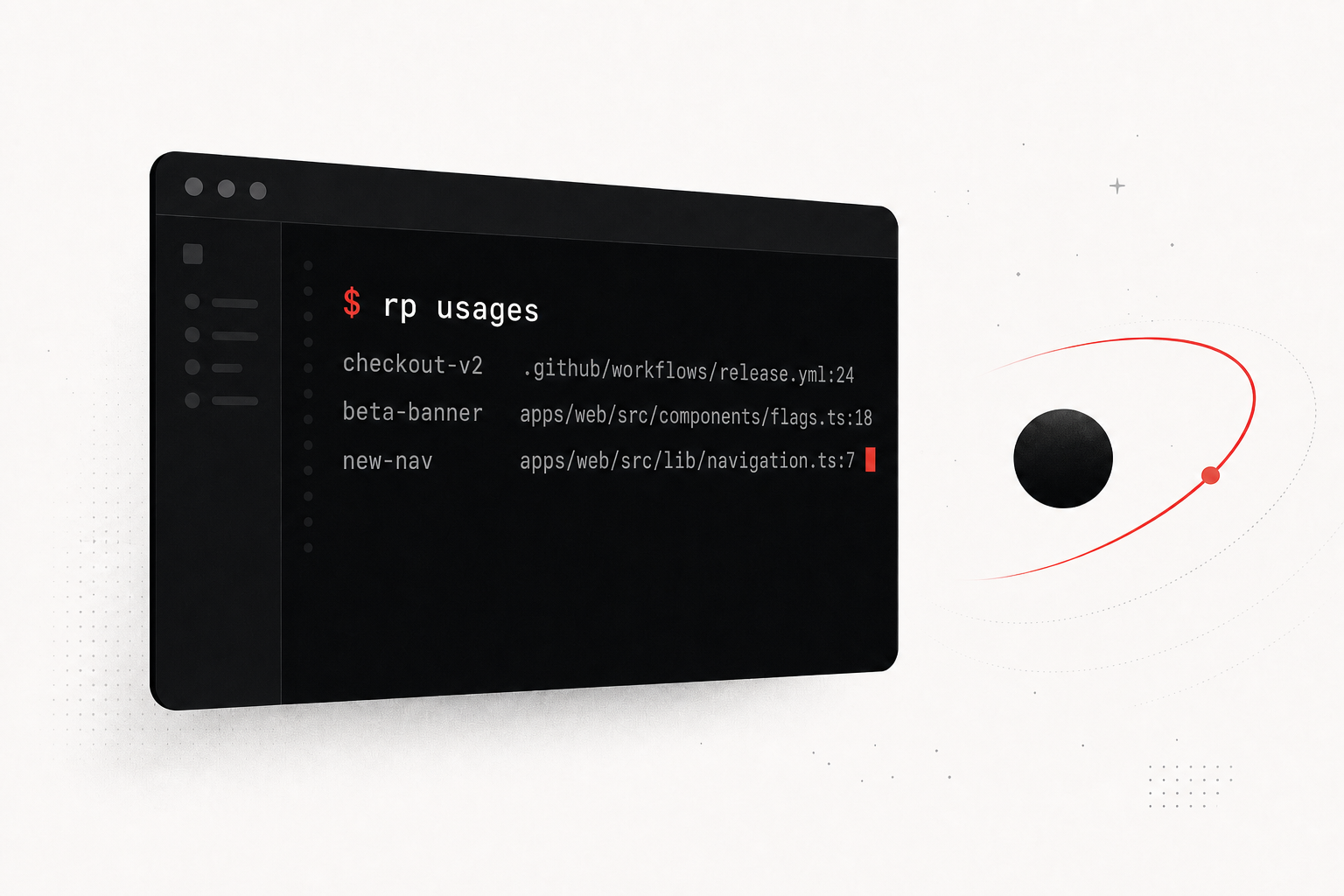
Here’s a question that gets uncomfortable fast: where is this flag actually used? You created checkout-v2 months ago, it’s been at 100% for weeks, and now someone wants to delete it. Is it still referenced anywhere? You grep, you find three call sites, you’re fairly sure that’s all of them, and you ship the deletion with a small prayer. We’ve all done it.
So we built a CLI to answer that question properly. Meet rp, the RedPennon command-line tool. It scans your codebase for flag references and, when you wire it into CI, keeps RedPennon in sync with exactly where every flag lives in your source.
Install it
One npm install gets you two equivalent binaries, rp and redpennon. Use whichever you like.
# install once, globally
npm install -g @redpennon/cli

rp --version
rp usages
See where your flags live
rp usages walks your working tree, finds RedPennon SDK call sites, and prints every flag-key reference it captures. It reads the calls themselves, so it doesn’t need a list of your keys, and the defaults already understand the real SDK shapes across Node, Go, and Python, including batch variables([...]) calls.
The important part: rp usages is side-effect-free. It never posts anything anywhere, so it’s safe to run locally, in a hook, or just to satisfy your own curiosity. Want to find keys you can probably delete? rp usages --only-unused cross-checks what it scanned against the keys that actually exist in your project.
Wire it into CI
The CLI is the engine; CI is where it earns its keep. On GitHub, drop in one workflow file and the RedPennon Action handles the scan and the upload for you. No npm install step needed, since the Action is bundled.
name: RedPennon Code References
on:
  push:
    branches: [main]

jobs:
  usages:
    runs-on: ubuntu-latest
    steps:
      - uses: actions/checkout@v4
        with:
          fetch-depth: 0
      - uses: redpennon/cli@v1
        with:
          api-token: ${{ secrets.REDPENNON_API_TOKEN }}
          project: your-project-key
That fetch-depth: 0 gives the Action the full Git context so it can resolve the repository, branch, and commit. Each push sends a complete snapshot, which means references that have vanished get marked stale automatically. Not on GitHub? rp publish does the same scan-and-upload from GitLab CI, Bitbucket Pipelines, or your own machine, and it auto-detects the provider from the CI environment.
What you get back
Once CI has pushed, open any flag and the Code references panel lists every occurrence with a deep link straight to the line on your Git host. Those same references feed the stale-flag signals, so the flags that have disappeared from your code get surfaced for cleanup. The rp deletion-with-a-prayer problem from the top of this post stops being a prayer.
Worth saying clearly, because people ask: RedPennon never connects to your repositories and never reads your code from our servers. The scan runs in your CI, on your checkout. We only store file paths, line numbers, and short matching snippets. No source code leaves your pipeline, and there’s no repo connection or OAuth to set up.
Tuning the scan
The defaults cover most projects, but if you wrap the SDK client or use an unusual name, run rp repo init to scaffold a .redpennon/config.yml. There you can add client names, map a scanned key to a canonical one, register per-extension match patterns, and bound the scan with include and exclude globs.
Code references are available on the Business and Enterprise plans. The full command reference lives in the CLI docs.